These days, security and access control are huge deals across pretty much every industry. That's why tech like the Bluetooth Euro Profile Cylinder is really shaking up the old-school locks we used to rely on. Based on a recent report from MarketsandMarkets, the smart lock market is expected to hit around $1.7 billion by 2026 — and it’s growing fast, with an annual growth rate of nearly 25%. Companies like Xuzhou CREATE Electronic Technology Co., Ltd. are leading the charge in this space, coming up with smart solutions for sectors like telecom, healthcare, and logistics.
As organizations look for better ways to protect their stuff and make access smoother, knowing how to install a Bluetooth Euro Profile Cylinder becomes pretty much an essential skill for professionals. This step-by-step guide is here to walk you through the whole process, so you can set up your security systems with confidence and keep everything running smoothly.
Understanding the Basics of Bluetooth Euro Profile and Its Importance in Smart Lock Technology
Bluetooth Euro profiles are really key players in the fast-changing world of smart lock tech. They’re what make secure, wireless communication between your smart locks and devices like smartphones just work so smoothly. Basically, with these profiles, you can unlock doors or access secure spaces easily—no fuss, just your phone or another compatible device doing the job. This not only makes life more convenient but also beefs up security across different areas.
At Xuzhou CREATE Electronic Technology Co., Ltd., we're all about pushing the boundaries when it comes to security and access solutions. We’re using the latest tech—like Bluetooth Euro profiles—to develop smart locks tailored for a bunch of industries: telecom, healthcare, logistics, you name it. We understand how important these profiles are, so our goal is to create products that are super user-friendly but still top-notch security-wise. Basically, we want to make sure only authorized folks get in, all while keeping things simple for the user.
It's all about blending convenience with security, and we're really excited to keep leading the way in this field.
Mastering Bluetooth Euro Profile Cylinder Installation
A Step by Step Guide - Understanding the Basics of Bluetooth Euro Profile and Its Importance in Smart Lock Technology
| Step |
Description |
Tools Needed |
Time Required |
| 1 |
Gather all necessary tools and equipment. |
Screwdriver, measuring tape, Bluetooth device. |
15 minutes |
| 2 |
Remove the existing lock from the door. |
Screwdriver. |
20 minutes |
| 3 |
Install the Bluetooth Euro profile cylinder into the door. |
Screwdriver. |
30 minutes |
| 4 |
Connect the lock to your smartphone via Bluetooth. |
Smartphone, Bluetooth app. |
10 minutes |
| 5 |
Test the functionality of the smart lock. |
Smartphone. |
5 minutes |
Key Tools and Equipment Needed for a Successful Cylinder Installation
When you're getting ready to install a Bluetooth Euro profile cylinder, having the right tools on hand really makes all the difference. Things like a drill with the right bits for drilling precise holes into different materials, a good set of screwdrivers to secure the cylinder properly, and a level to make sure everything lines up just right are pretty much essential. Oh, and a torque wrench can come in handy too — it helps tighten things just enough without risking messing up the internal parts. Honestly, having these tools ready can save you a lot of headaches and speed up the whole process.
On another note, it’s pretty interesting how new tech like Bluetooth-enabled devices is changing how we handle security these days. Industries like telecom and banking are really feeling the pressure to upgrade their access systems and make them more efficient. Major companies, such as Xuzhou CREATE Electronic Technology Co., Ltd., are coming up with innovative solutions tailored specifically for these sectors. So, if you’re serious about proper installation, using the right tools isn’t just about making things easier — it actually boosts the performance and reliability of these advanced systems. Plus, with trends like lean manufacturing and 5S principles gaining ground, streamlining installation and tool use is more important than ever — it’s all about working smarter, not harder, right?
Step-by-Step Installation Process for Bluetooth Euro Profile Cylinders
Thinking about installing a Bluetooth Euro profile cylinder? It’s actually a pretty smart move if you’re after better security and more convenience at home. Don’t worry if you’re new to this — I’ve got your back. This quick guide will take you through each step so you can enjoy the perks of smart lock tech without any frustrations. First things first, gather all your tools — a screwdriver and a measuring tape are essentials. And make sure you switch off the power before you start tinkering around — safety first!
When you’re ready to go, carefully take out your old cylinder and measure the shaft just to double-check that your new Bluetooth lock will fit snugly. It’s really important to follow the manufacturer’s instructions closely here; skipping that could cause some tricky issues later on. Once everything’s in place, give it a test with your phone to see if the Bluetooth connection works smoothly — ask yourself, does it connect easily? If yes, you’re all set!
**A couple of tips:** Before you start, it’s worth checking if there are any firmware updates for your lock — keeping it up-to-date can help it run better and might even add cool new features. Also, spend a little time getting familiar with the app that controls your smart lock — knowing what it does can save you headaches and make using it more intuitive. Oh, and don’t forget to keep a traditional key somewhere handy, just in case something goes wrong with your phone or Bluetooth connection. Better safe than sorry, right?
Mastering Bluetooth Euro Profile Cylinder Installation - Step by Step Guide
Common Challenges and Solutions During the Bluetooth Cylinder Installation
Installing a Bluetooth Euro profile cylinder might seem a bit intimidating at first, especially if you're not super familiar with the tech. Common hiccups usually include making sure everything lines up correctly and dealing with connection problems. To avoid alignment headaches, it’s a good idea to double-check the installation guide and make sure the cylinder fits nicely and firmly into the door. If it’s off even a little, you could end up with poor performance or even lock failures—which nobody wants!
Another usual trouble spot is getting the Bluetooth connection between the cylinder and the app to work smoothly. Before you start, just confirm that your phone's Bluetooth is turned on and you're close enough — like within a reasonable range. Also, watch out for other devices that might be causing interference. If you do run into issues, sometimes simply restarting the whole installation process and making sure both your app and the cylinder are updated can do the trick.
**Pro tip:** Grab a level tool and check the alignment of the cylinder—that quick step can save you lots of hassle down the line. Also, browsing through user reviews or forums can be super helpful. People often share tips based on their own experience with tricky installations, and it’s pretty cool to learn from what others have already figured out.
Testing and Troubleshooting Your Bluetooth Euro Profile Cylinder Setup
Setting up your Bluetooth Euro Profile Cylinder isn’t just about pairing it and calling it a day — testing and troubleshooting are key if you want everything to run smoothly. First things first, make sure your phone or whatever device you're using is properly connected. Check your Bluetooth settings, turn Bluetooth on if it’s off, and see if the cylinder pops up in your device's available list. Sometimes, it just needs a quick restart — turn Bluetooth off and back on, or restart your phone, and voilà, it might recognize the device. Oh, and don’t forget to check that your cylinder’s battery isn’t dead — low power can cause all sorts of connection headaches.

If you’ve already paired everything but it’s still acting up, you might want to try doing a factory reset on the cylinder. That’s often the fix for stubborn connection issues. Just follow the manufacturer’s instructions — they vary depending on the model — and reset away. Once it’s reset, go through the initial setup again and try pairing it up fresh. Still having trouble? Your best bet is to check the user manual’s troubleshooting section for common fixes, or reach out to customer support. By going through these steps patiently, you’ll get your Bluetooth Euro Profile Cylinder working reliably and securely—no stress!
Future Trends: Innovations in Bluetooth Lock Technology and Installation Techniques
Looking ahead, Bluetooth lock tech is really heading into some exciting territory. Innovations are coming fast, and they’re totally shifting how we think about smart home security. By 2025, it’s expected that more and more smart locks will be integrated with IoT features, making life easier for users and also beefing up security at the same time. For example, Bluetooth Low Energy (BLE) is really gaining traction—it’s making batteries last longer and connections more reliable, which is a big win for everyday folks. This trend is super important because, according to studies, nearly 70% of homes are expected to embrace smart security tech by then.

Plus, the advancements in wireless connectivity mean that future installs will probably rely heavily on edge AI, mixing machine learning right into the mix. Oh, and people love DIY projects these days, so user-friendly setups and remote management via apps are becoming the norm. Market experts say that by 2025, the number of smart lock installations done through phones will double — showing just how eager folks are for smooth, integrated smart home solutions. With new startups popping up all the time, it’s clear that Bluetooth lock tech isn’t just evolving; it’s completely redefining what we expect from home security. It’s an exciting time to be into this stuff, for sure.
FAQS
: The Bluetooth Euro profile is essential for secure wireless communication between smart locks and portable devices, allowing convenient access management and enhancing security protocols.
To install a Bluetooth Euro profile cylinder, gather necessary tools, turn off the power, remove the existing cylinder, measure for proper fitting, follow the manufacturer's instructions, and test the lock with your mobile device.
Yes, checking for any available firmware updates can optimize performance and introduce new features for your Bluetooth lock.
If your smartphone doesn't recognize the cylinder, ensure Bluetooth is enabled, restart the device, and check the cylinder’s battery level, as low power can cause connectivity issues.
If you have paired the devices but face issues, try performing a factory reset on the cylinder, following the manufacturer's instructions, and then re-establish the connection.
Yes, it's advisable to ensure you have access to a traditional key as a backup option in case of any digital access issues.
If issues continue after troubleshooting, consult the user manual's troubleshooting section for common errors, or contact customer support for further assistance.
You will need a screwdriver, a measuring tape, and any additional tools specified in the manufacturer's installation instructions.
Bluetooth Euro profiles allow users to conveniently unlock doors using their smartphones or compatible devices, thereby improving access management and overall user experience.
Bluetooth Euro profiles are utilized across various sectors, including telecommunications, healthcare, and logistics, providing tailored security solutions to meet unique industry needs.
Conclusion
In today's world of smart lock tech, getting the hang of installing a Bluetooth Euro Profile Cylinder is pretty much essential if you want to step up security and make managing access easier across different industries. This guide is really helpful — it breaks down the basics of Bluetooth Euro Profile and explains why it’s such a key part of modern security setups. You’ll find a detailed list of the tools and equipment you'll need to get the job done right, along with a clear, step-by-step walkthrough to keep things running smoothly.
Plus, it dives into common hurdles folks often run into during installation and shares practical tips to troubleshoot and test your setup with confidence. Looking ahead, there's even a sneak peek into future trends and innovations in Bluetooth lock tech — helpful info for companies like Xuzhou CREATE Electronic Technology Co., Ltd. that want to stay ahead when it comes to security solutions in fields like telecom, healthcare, and logistics. So yeah, whether you're a newbie or want a quick reminder, this guide has you covered.”

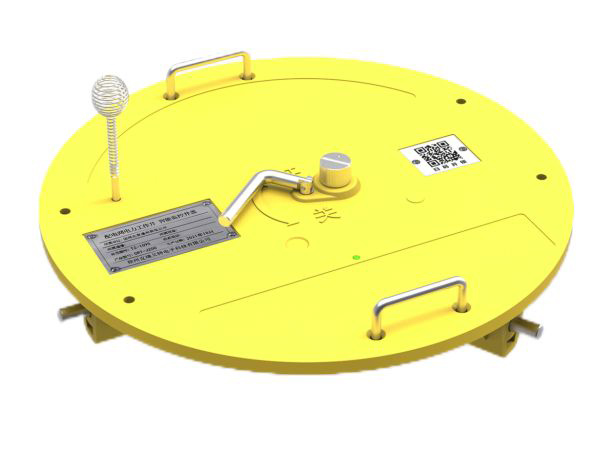 Intelligent Manhole Cover
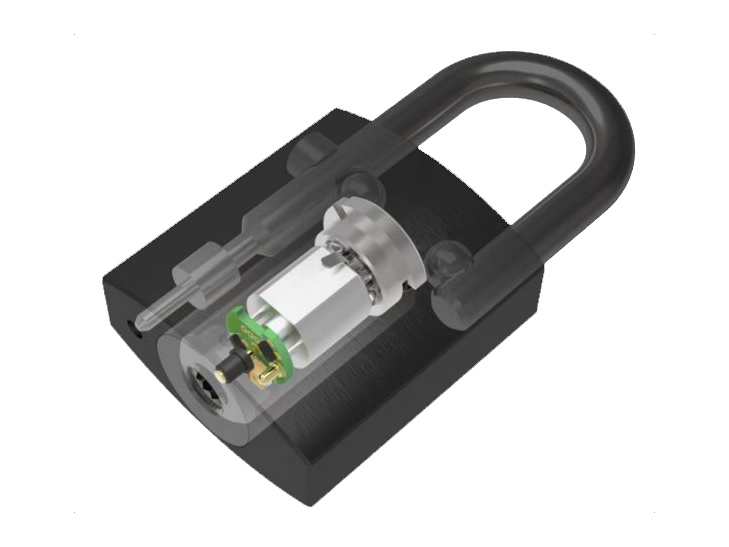 IoT Smart Locks
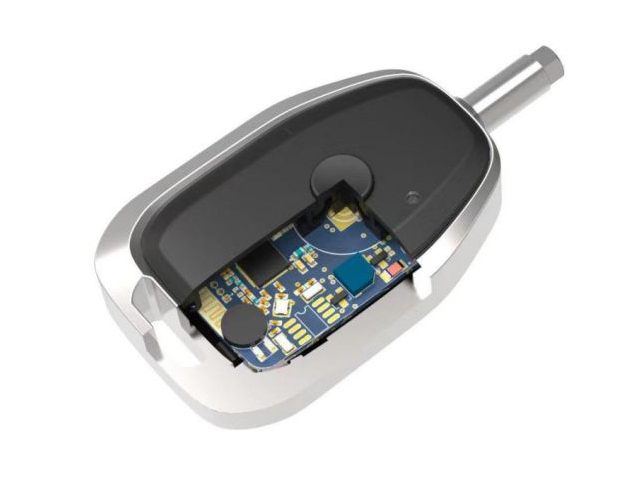 Electronic Keys
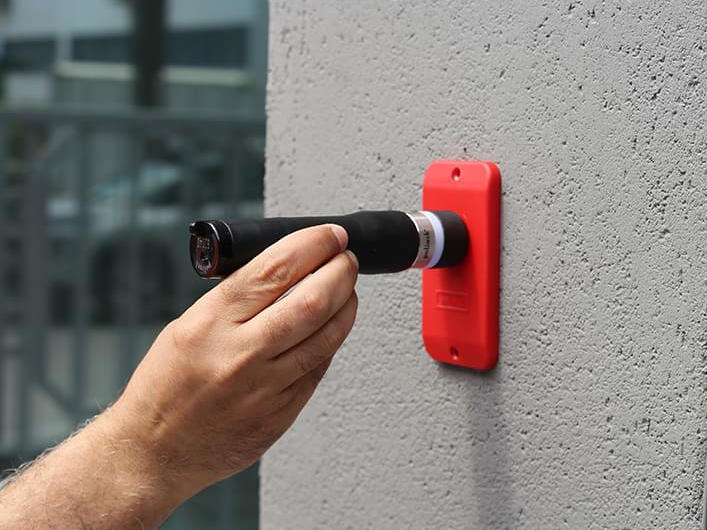 Guard Patrol
 Software


